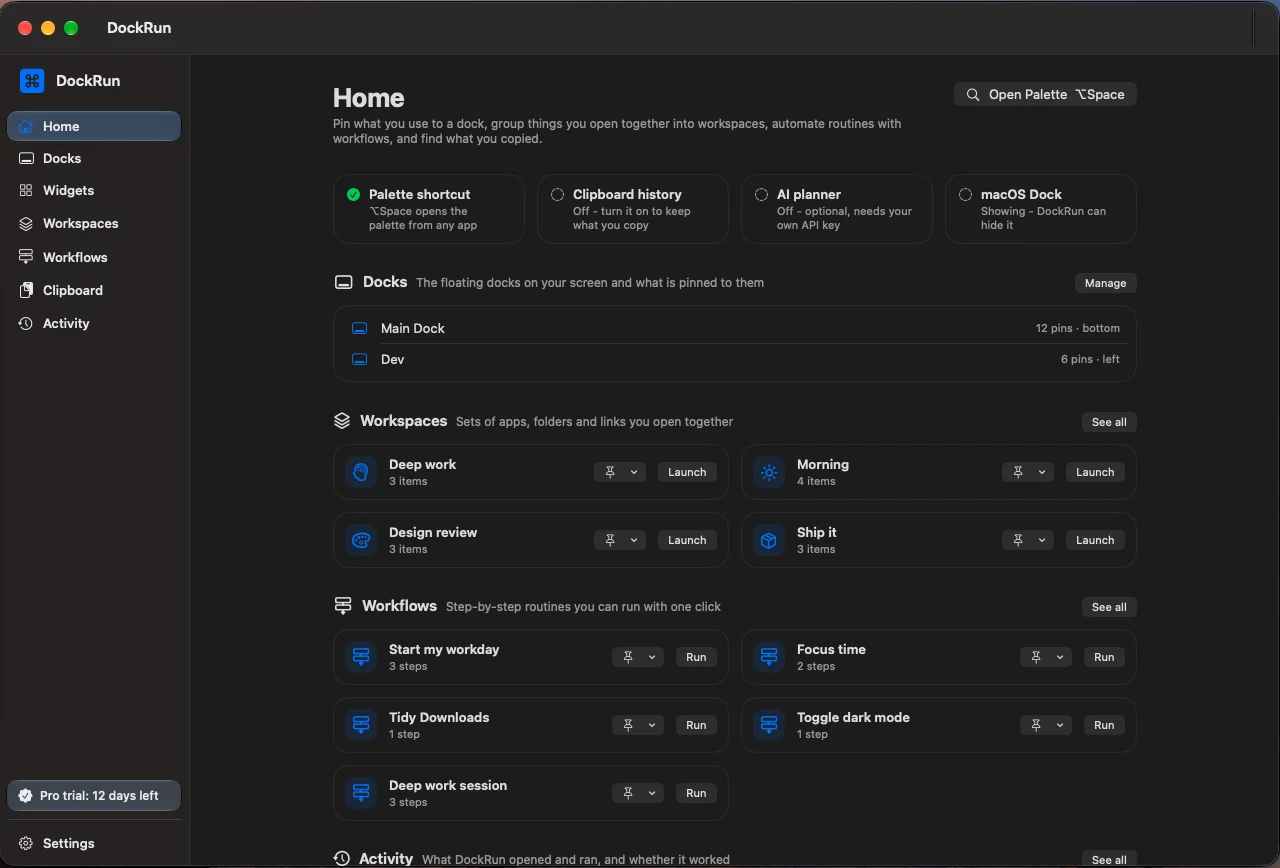
Floating dock
A dock that sits on the screen edge you pick and can stand in for the macOS Dock.
- Edge: bottom, top, left or right. A drag handle lets you move it anywhere else.
- Auto-hide: it slides away when the pointer leaves and comes back at the screen edge.
- Keep windows clear of the main dock: other apps' windows stop at its border (needs Accessibility; paused while Auto-hide is on).
- Hide while an app is full screen, so it never covers a video or a presentation.
- Steps aside while Mission Control, App Exposé or Launchpad is open, then fades back.
Where in the app: Settings > Floating Dock